
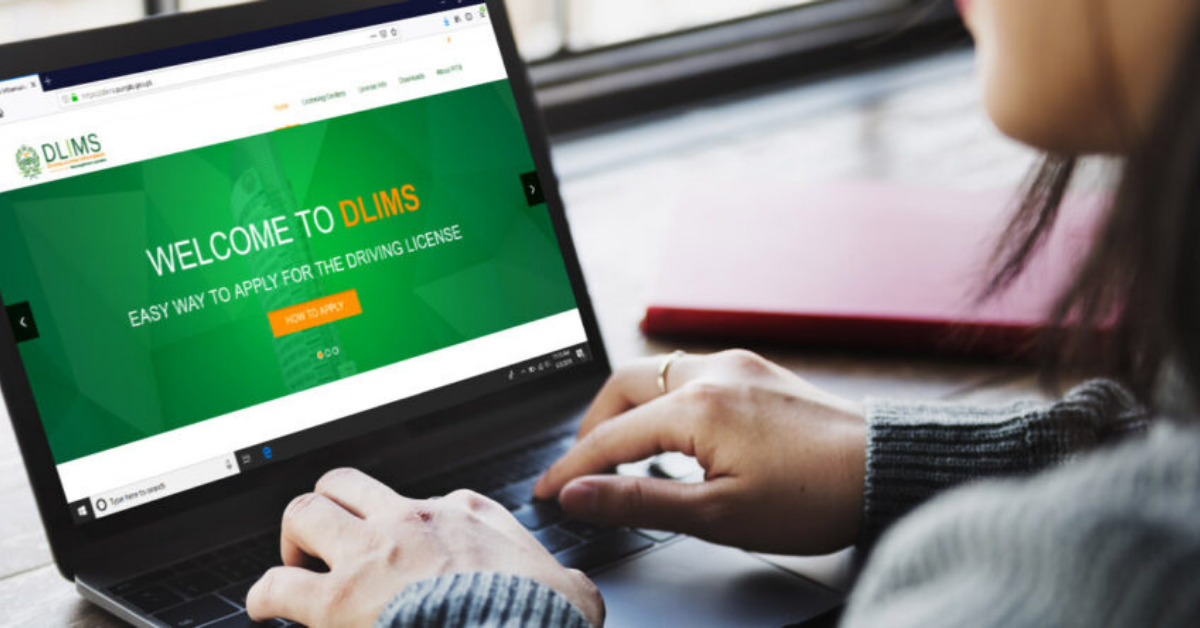
The traditional way of getting a driving license online might be time-consuming and difficult. Since the digital revolution took power, things have gotten much better. Now, most of the systems have been upgraded. In Pakistan, you can now simply apply, verify, and check your driver’s license online using the digital system DLIMS. In this article, you will learn the step-by-step complete detail to verify your driving license online.
Digital System DLIMS:

The presence of the Driving License Management System (DLIMS) has made the automatic process of issuing, renewing, and verifying a driving license much easier. These activities of driving license have carried out all over the province of Punjab. Using state-of-the-art technology and equipment, the system provides high-speed processing services to the public and provides the government with the latest statistics. DLIMS system redefines the process of issuing all types of licenses using the central network.
Verify Driving License in Punjab:

In Punjab, you can check the status of your driving license online. DLIMS digital system is responsible for the issuance and regulation of driving licenses. After the receipt of your license, you can verify it online using a quick and easy procedure. Verification of DLIMS Online Driving License Check in Punjab now allows you to successfully verify your license in minimum time.
Process Verify Your Driving License Online:
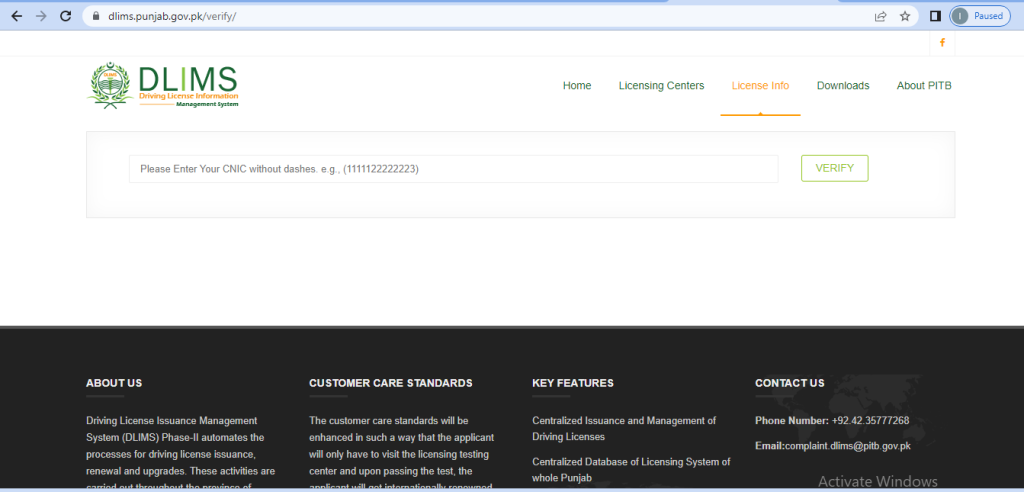
The method of verifying a driving license has changed with technological improvements in every field. you don’t need to visiting license centers or other places, now you can verify your driving license online at home. Follow these steps to verify your driving license online.
- To verify the driving license online, first log in to the website of the DLIMS (Driving License Issuance management system).
- Go to the “License info” section and there click on the “verify license” option.
- After clicking on the “verify license” option, you will see the new webpage, on this enter your CNIC number without the dashes.
- And after this, you need to click on the verify button.
- you will get the complete driving license detail on the screen.